The problem
Testing how your links appear on different social platforms can be challenging. Traditionally, you'd need to deploy changes to your site and resubmit links to see how elements like titles, descriptions, and OG images display. This process is time-consuming and risks platforms caching your site during testing.
This solution
This tool allows you to submit custom markup that will be injected into the <head> of a dedicated URL. You can then enter this URL into social media platforms to test how your links are previewed.
- Quickly test link previews across various platforms
- Experiment with different titles, descriptions, and OG images
- Avoid caching issues during your testing phase
Warning
Social media platforms aggressively cache the content they scrape from URLs. To test against this caching:
- Update the same generated URL to see how caching affects your changes.
- Create a new URL each time for a fresh, uncached preview
This flexibility allows you to both test caching behavior and bypass it when needed.
Caveat
The generated urls have no <body>. Often, platforms will search the <body> for descriptions and images to use if there are none explicitly defined in the <head>.
What it looks like
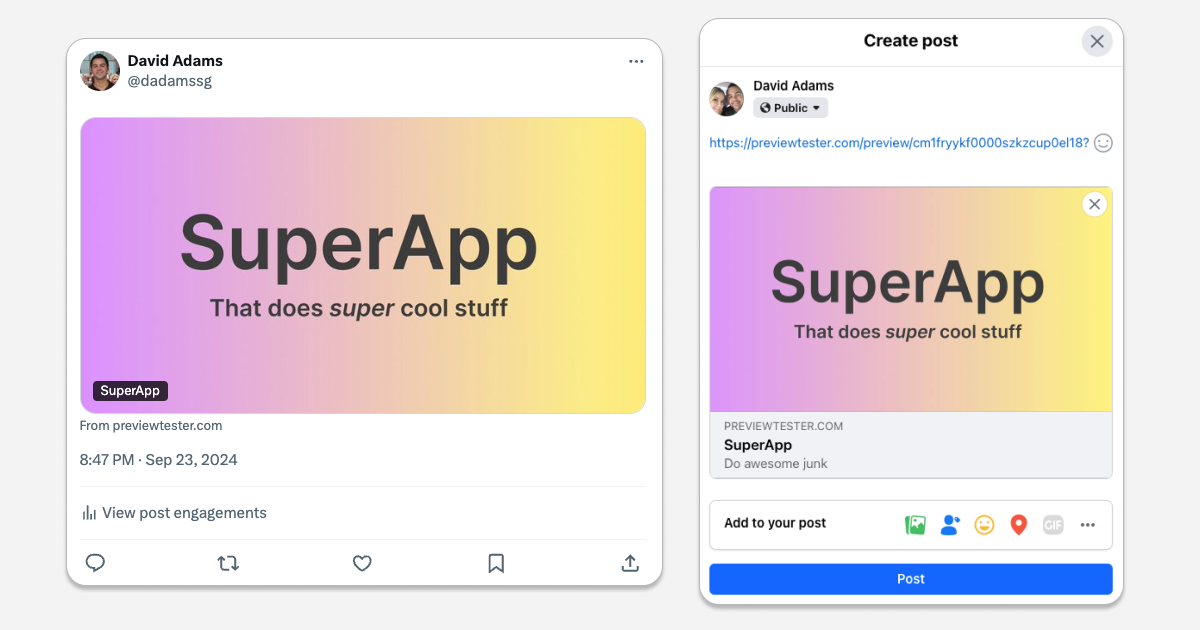
Pasting this link results in the following previews. Click here to see its markup.